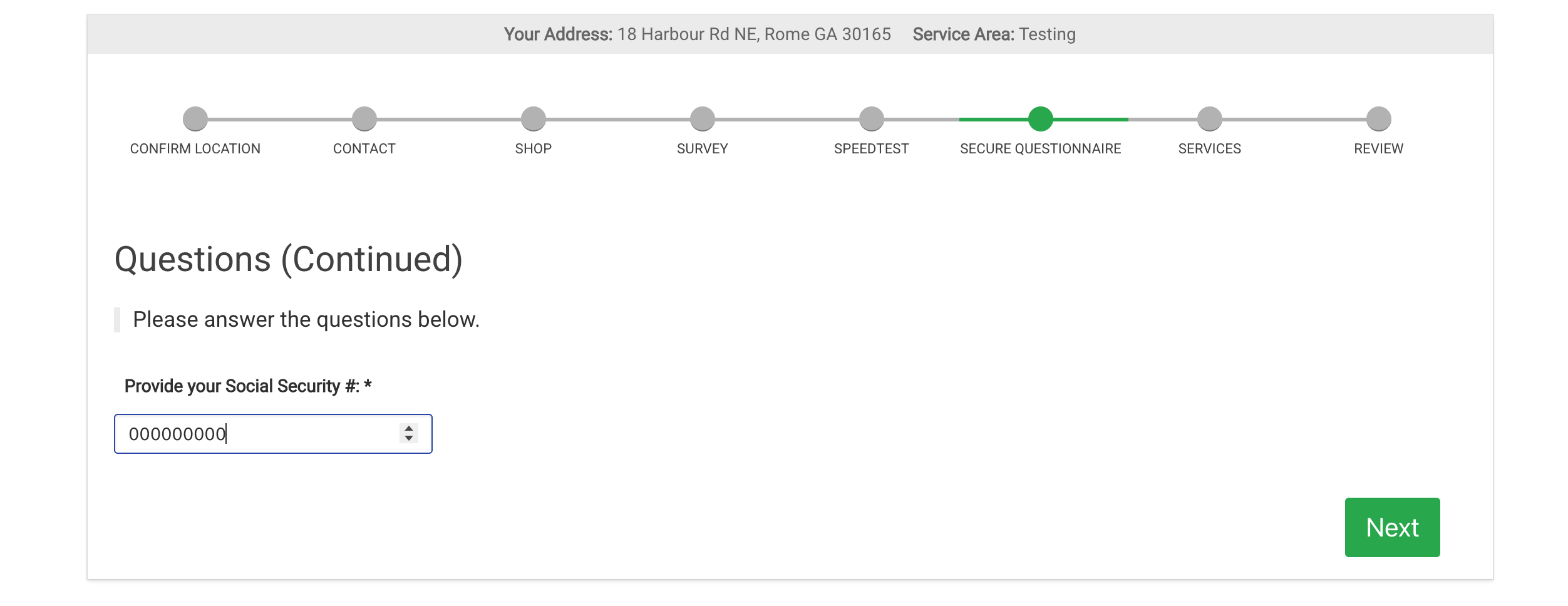
Secure Surveys
Create a Secure Survey
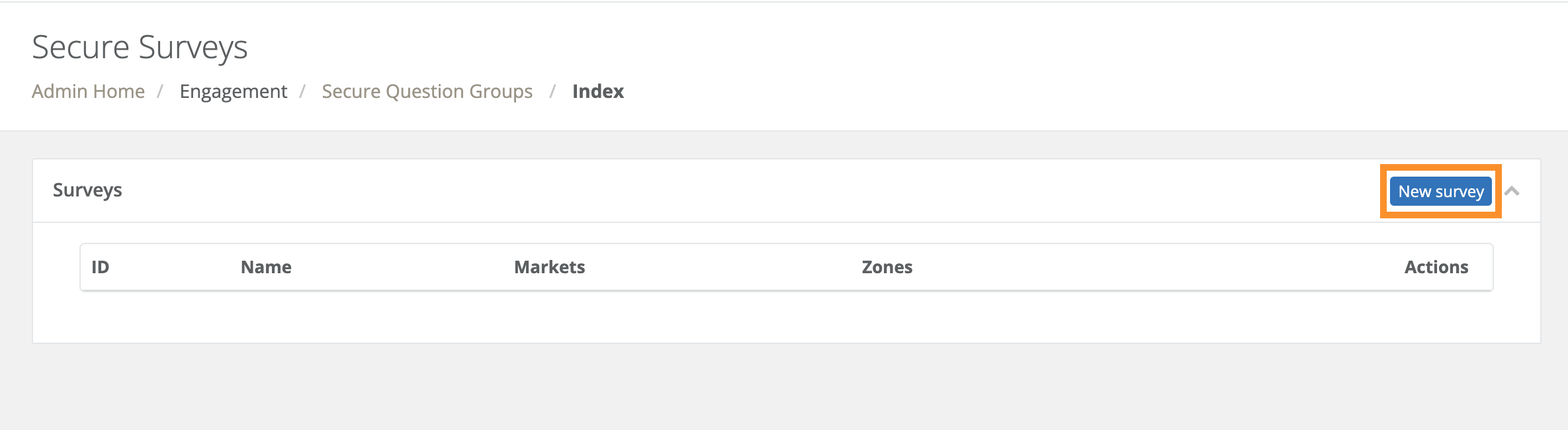
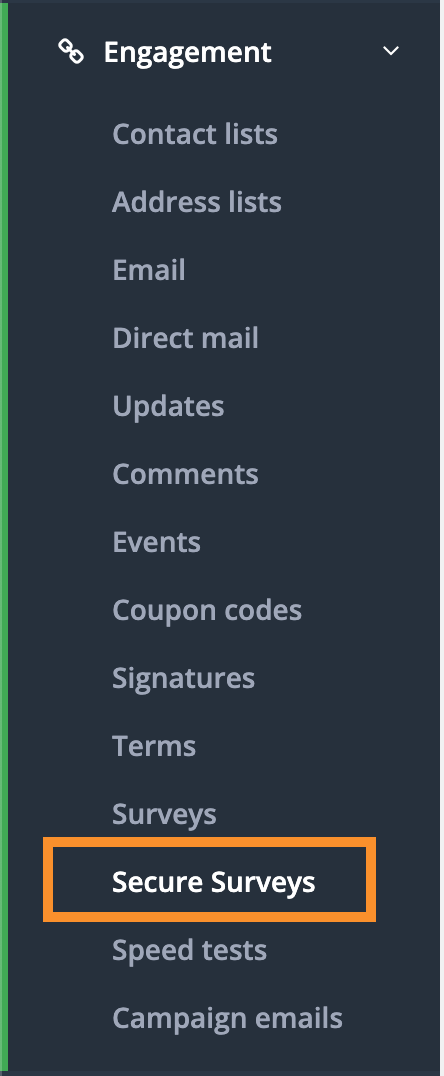
Once the feature is enabled by the CrowdFiber team, navigate to Engagement > Secure Surveys in the admin interface to create a new survey.
Target the Survey to Markets
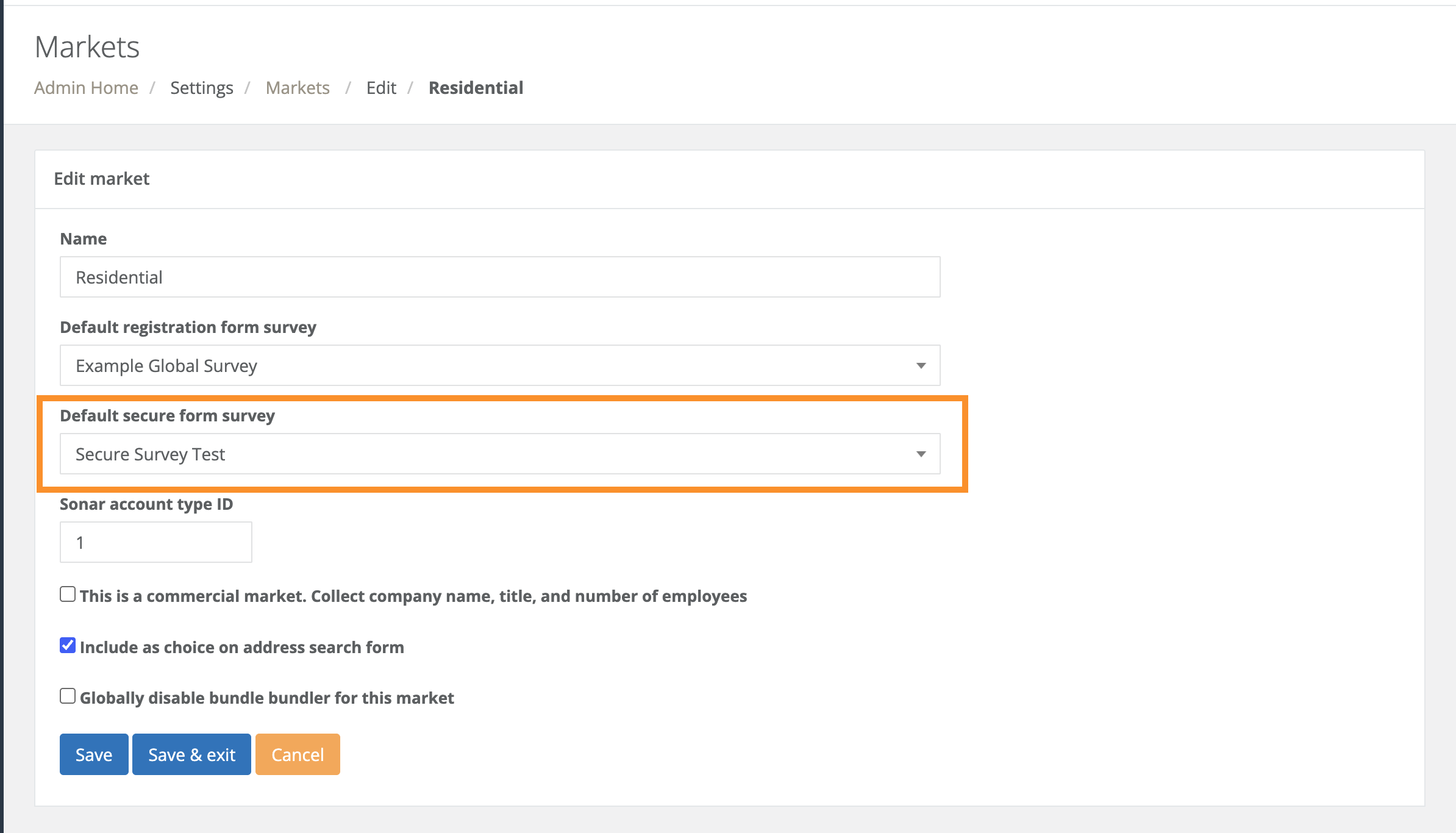
After creating the survey, you need to assign it to specific markets. This is done by going to Settings > Markets and targeting the secure survey you created to the desired market(s).
Enable on Registration Forms
Finally, to make the survey visible to users during sign-up, you must enable it on the registration form.
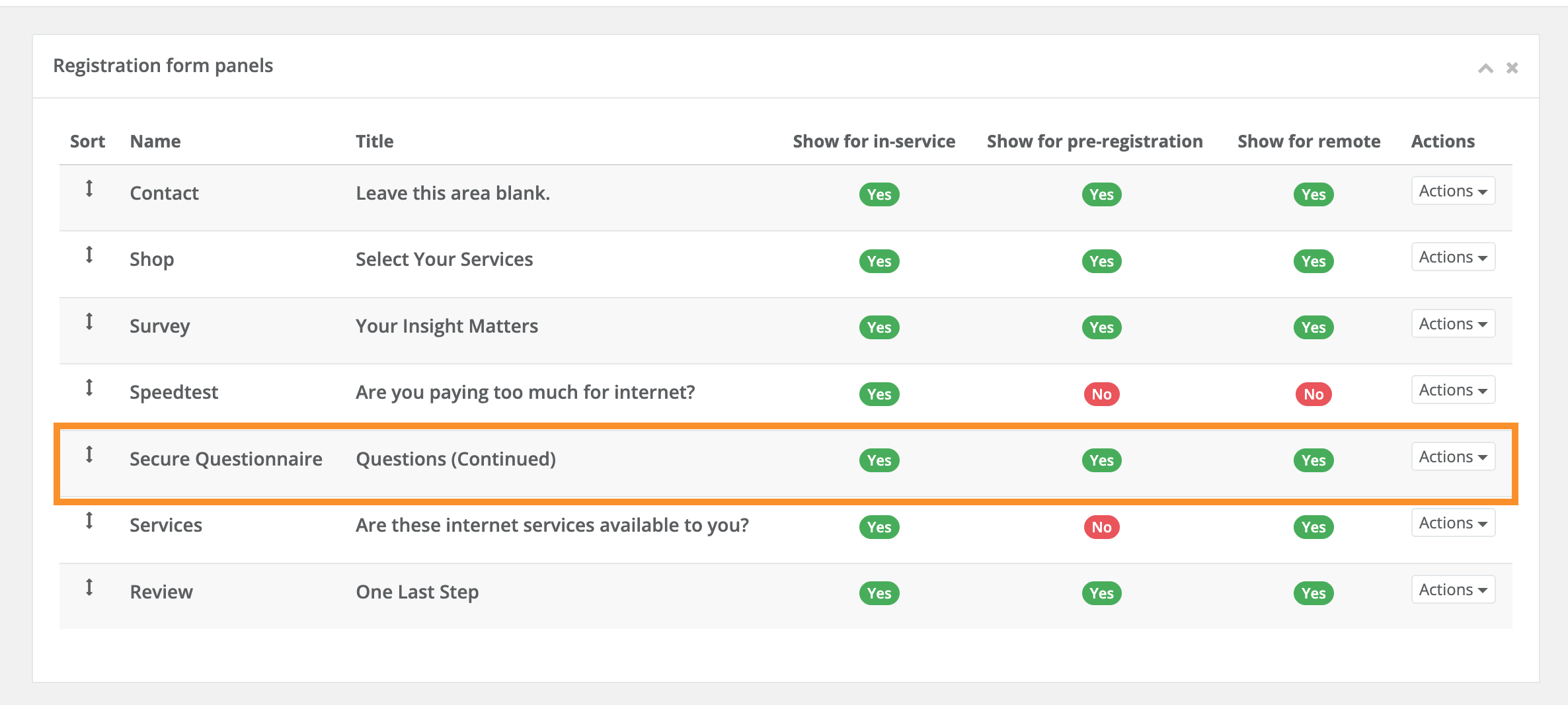
Go to Settings > Registration Form and activate the Secure Questionnaire step for any registration types that should include it. If configured correctly, the survey will appear during the registration process for users in the configured markets.