Understanding UTM Tags: Maximizing Your Marketing Analytics
What Are UTM Tags?
UTM tags (Urchin Tracking Module tags) are customizable elements added to the end of URLs to monitor the performance of marketing campaigns. By attaching UTM tags to a URL, your team can gather insights on how your users are engaging with your content across different campaigns, platforms, methods, and/or marketing types.
UTM parameters supported in CrowdFiber
- utm_source – Identifies where the traffic originates (Google, Meta, Instagram etc.)
- utm_medium – Specifies the marketing medium (email, social_media, text, etc.)
- utm_campaign – Tracks the campaign name or promotion (SPRING, black_friday etc)
- utm_content – Distinguishes between similar content or links within the same campaign (ad1, ad_2, commercial_ad, etc.).
- utm_term — Tracks Keywords; commonly used in Google Ad campaigns (affordable, 50_percent_ discount, etc.)
Where Can I Use UTM Parameters?
Tip
When testing UTM with your CrowdFiber URL, you will need to use incognito mode. This is because the UTM source is cached when you have visited the site within a 30-day period.
In CrowdFiber, you can append UTM parameters to your address widget and/or your Crowdfiber URL. This data is displayed in lead records/exports and order records/exports.
You can also add multiple UTM parameters together by separating them with an ampersand (&). This allows you to track different parts of your marketing campaign.
Examples
UTM tags added to Address Widget:
https://join.crowdfiber.com/embed/36.js?utm_source=Meta
&utm_medium=social_media&utm_campaign=SPRING&utm_content=ad1&utm_term=affordable
UTM tags added to CrowdFiber URL:
https://www.join.crowdfiber.com/?utm_source=Meta&utm_medium=social_media
&utm_campaign=SPRING&utm_content=ad1&utm_term=affordable
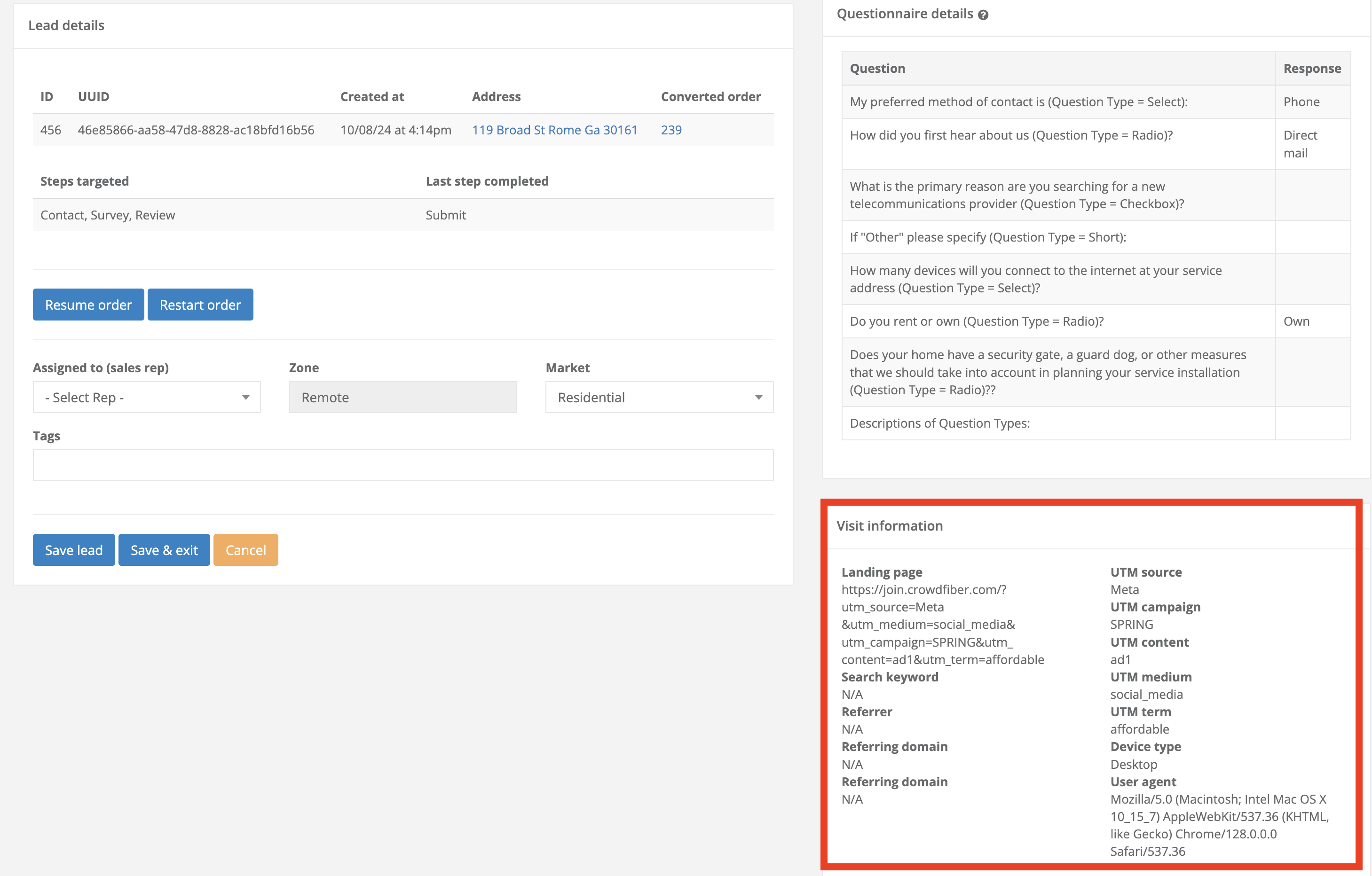
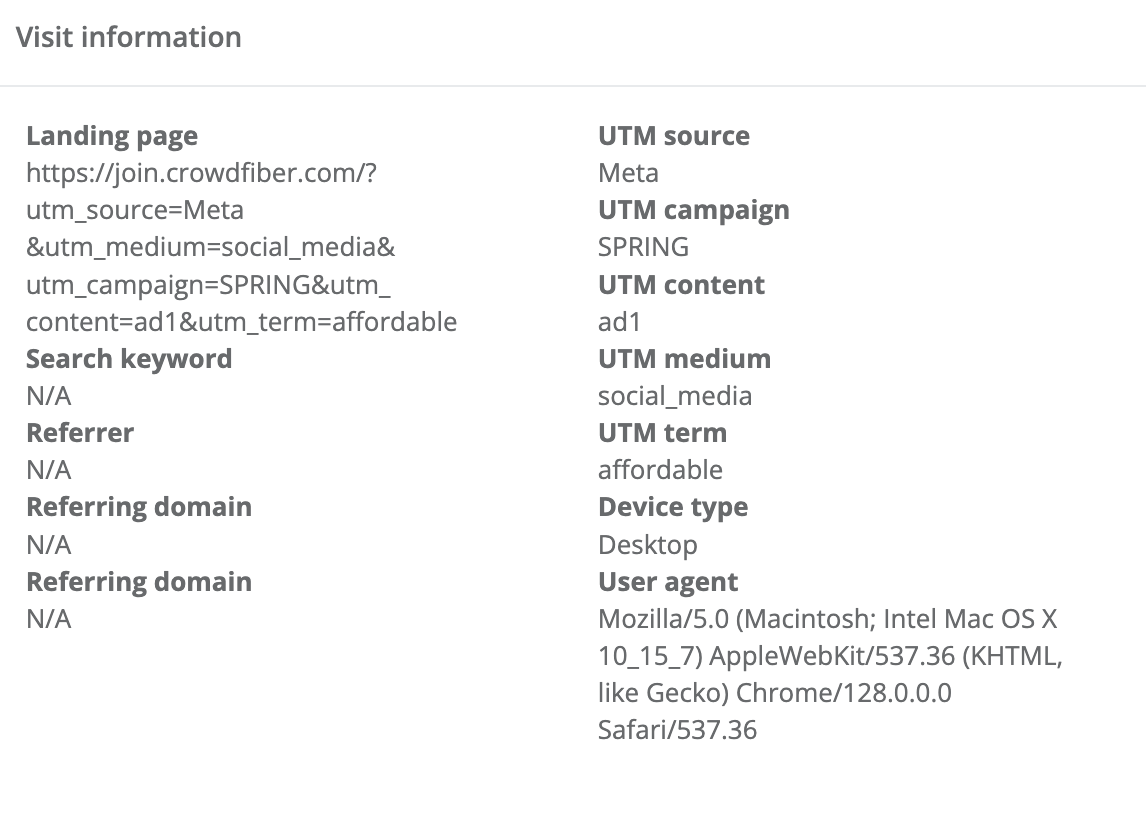
Here's how the example above appears in a lead record:
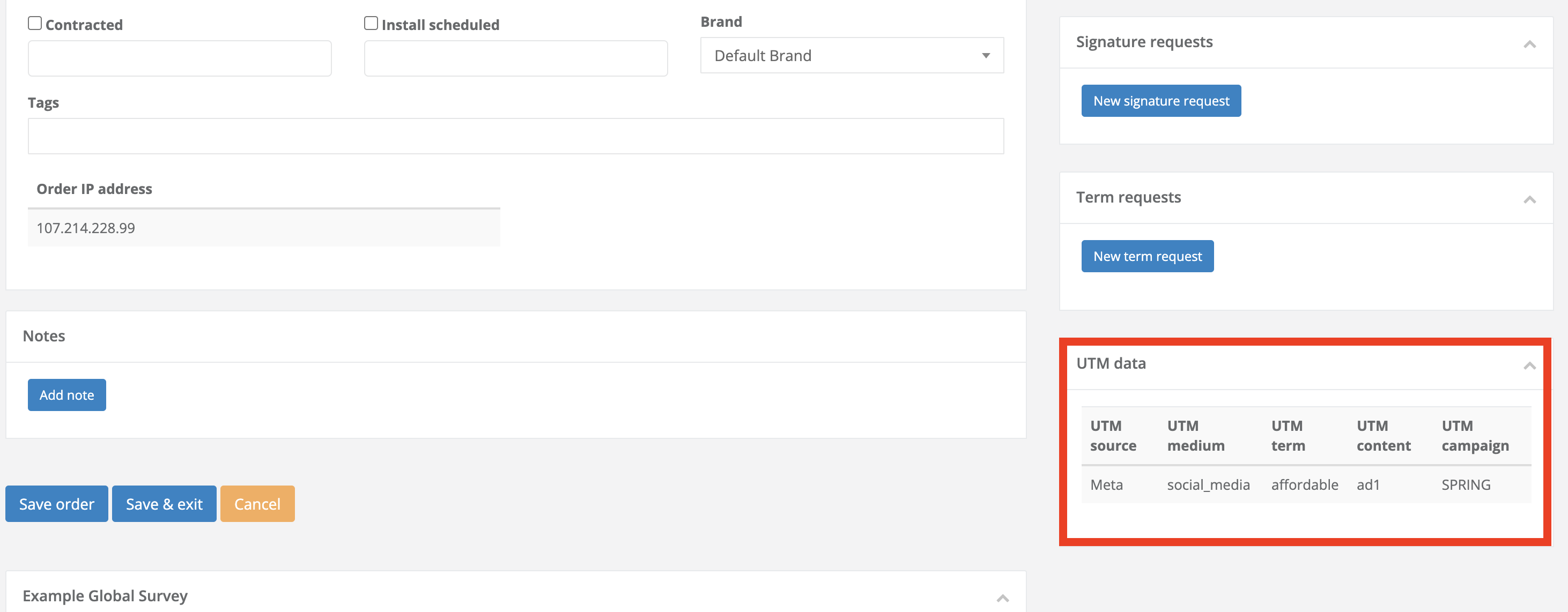
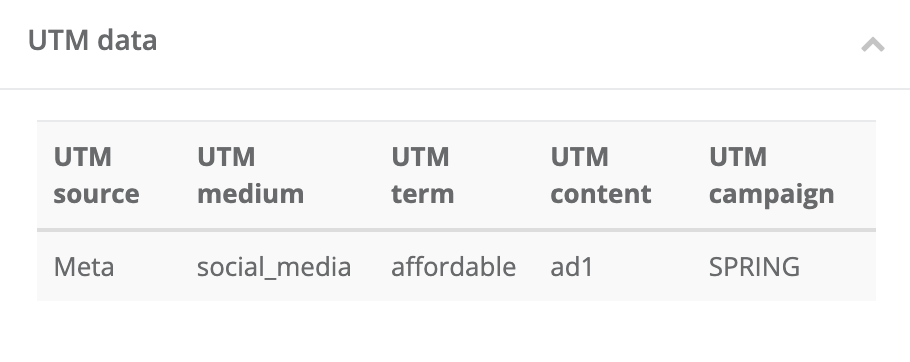
Here's how it will appear in an order record: