Signatures Documents: Document Legality
How CrowdFiber Helps You Create Legally Binding Signatures in the United States
Intent to Sign
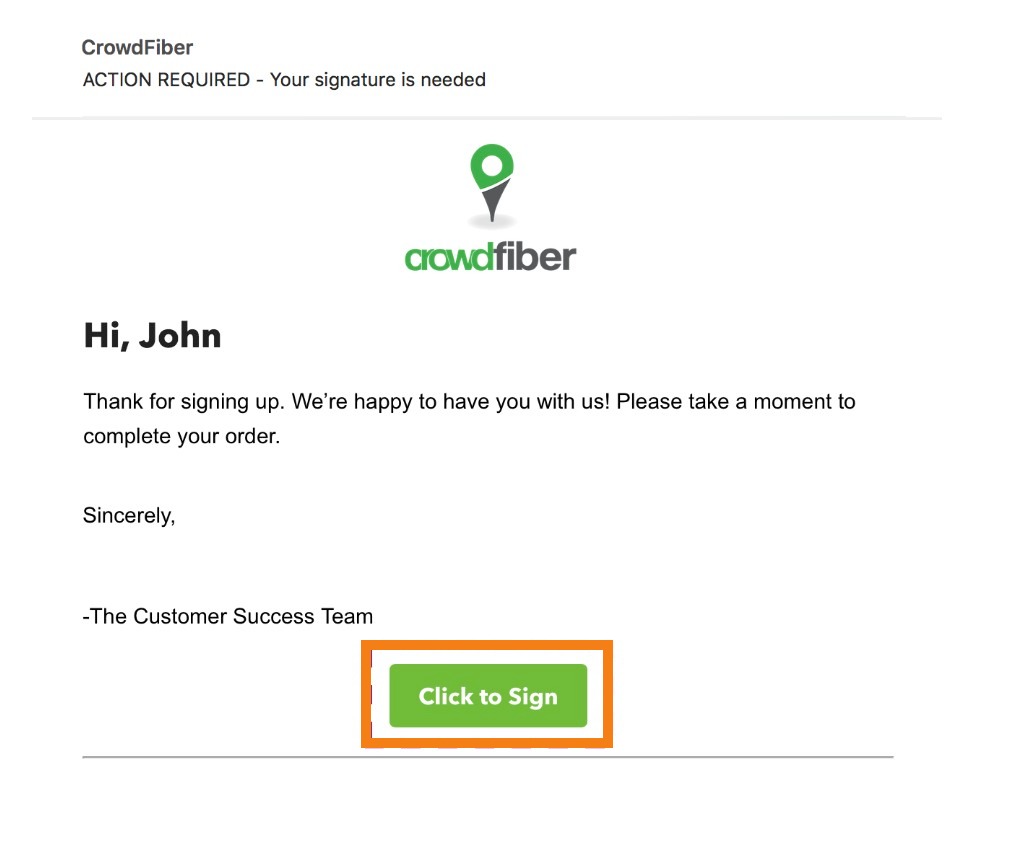
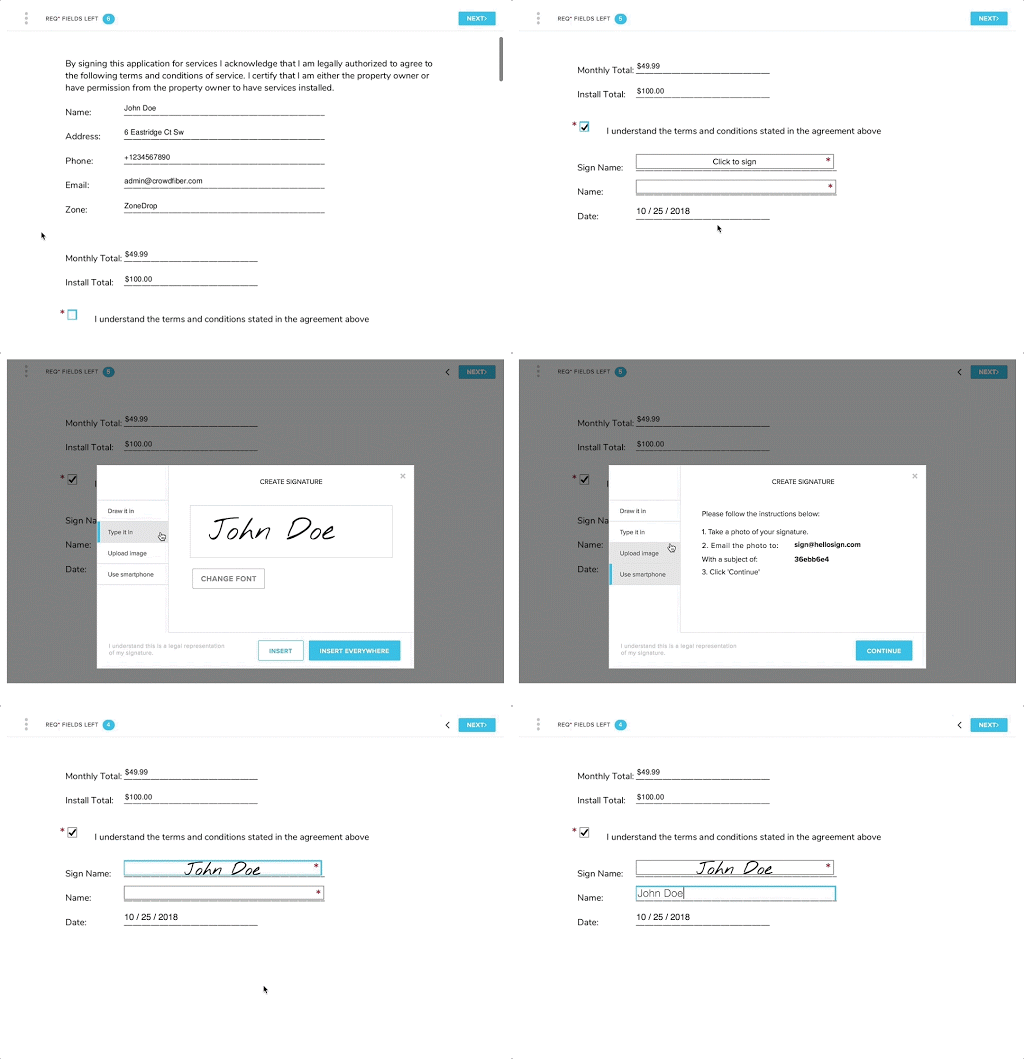
A user must demonstrate a clear intent to sign a document two times before completing the signing of a document. CrowdFiber accomplishes this with two distinct steps:
- Clicking the email that provides access to the signature document by clicking a link labeled Click to Sign.
2. All CrowdFiber signature fields are labeled Click to Sign, and provide a signing experience labeled Create Signature.
Consent to do Business Electronically
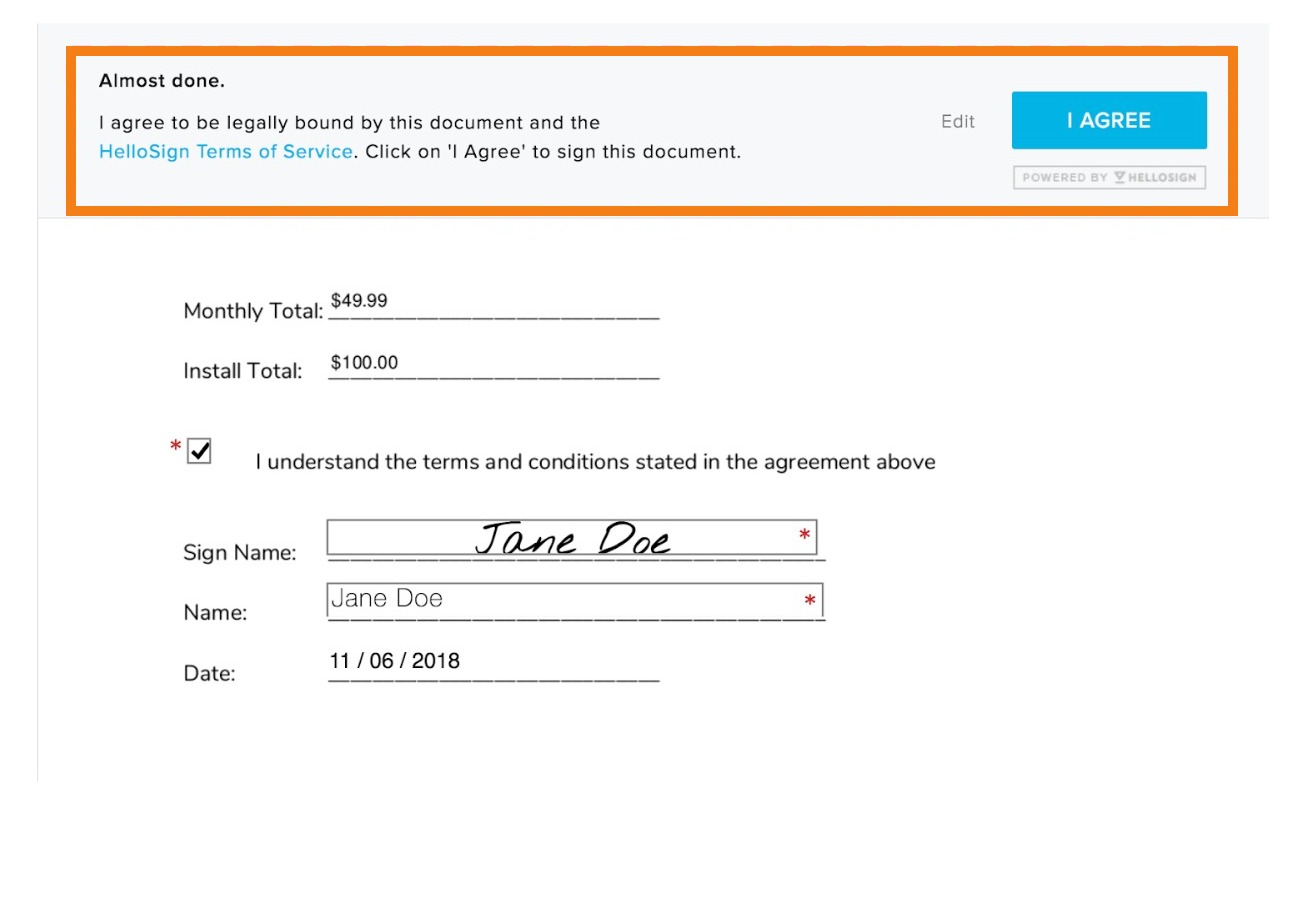
After the user creates their signature and clicks a link labeled Insert to apply their signature to the document, the user is presented with the clear option to be legally bound by the document they have just completed and signed (see below).
Clear Attribution of Signature
CrowdFiber’s signature technology is powered by HelloSign , which records the attribution of an electronic signature via an Audit Trail . HelloSign’s technology creates a comprehensive transaction trail between signing parties:
- To provide you with a transaction history, we track and timestamp various information from the moment the document is submitted for signature to when it is completely signed and secured.
-
To ensure any tampering of your transaction log is detectable, we process the transactions log with hashing technology.
Should you ever need to rely on a transaction log, we are right by your side to assist you.
Association of Signature with the Record
CrowdFiber’s electronic signature document can only be signed and accepted in one manner: a user can only access the signature document within the CrowdFiber platform, and a user can only complete and sign the document using the HelloSign signature technology that is integrated with the CrowdFiber platform.
Record Retention
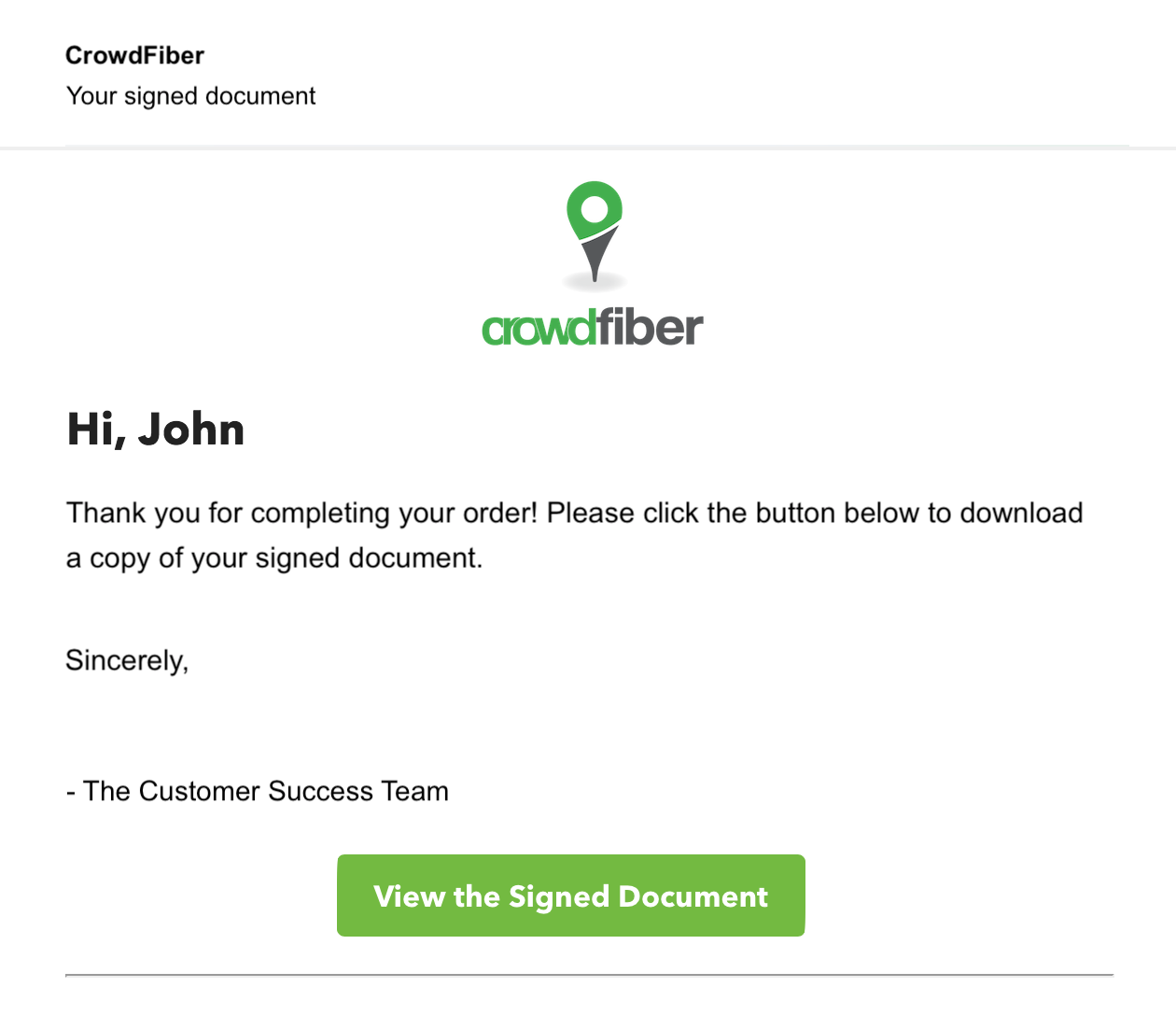
Users are provided access to a fully-executed signed copy of their contract. After user agrees to be contractually bound by the document, CrowdFiber automates an email to the user that provides them with a link to view and download their signed document.