How Can I Bulk Assign Addresses to a Zone?
CrowdFiber allows you to easily manage bulk zone overrides for address at one time.
- Go to the Addresses index from your Admin Dashboard.
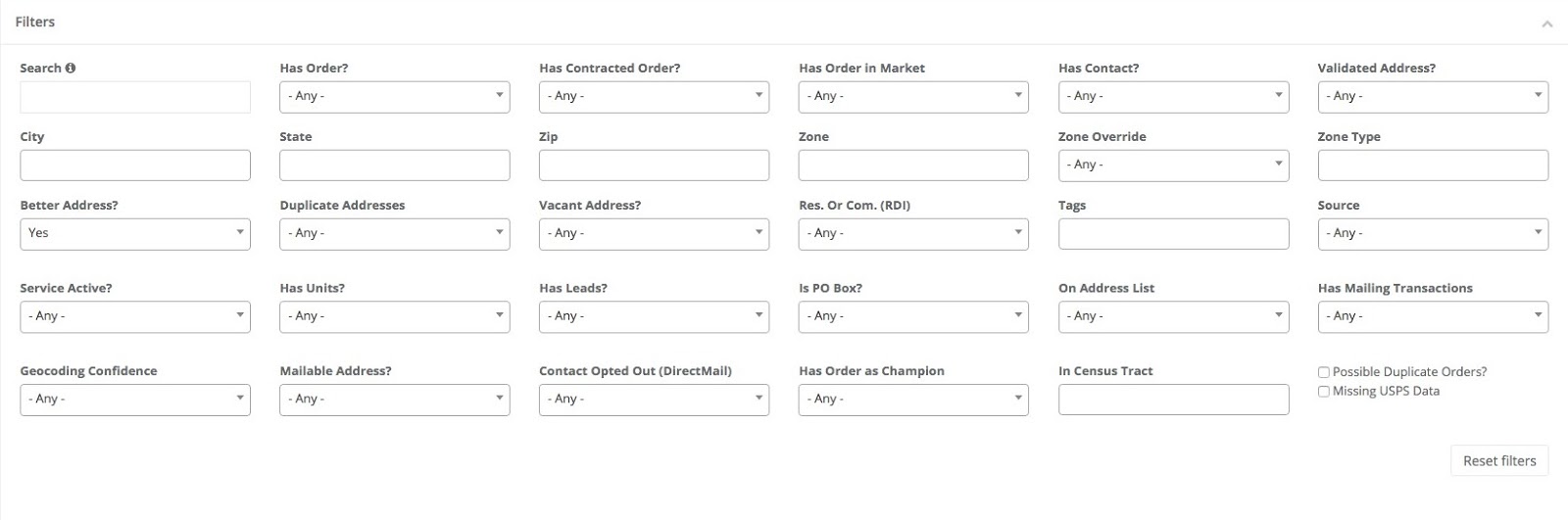
- Create a filtered list of the addresses you would like to process a zone override.
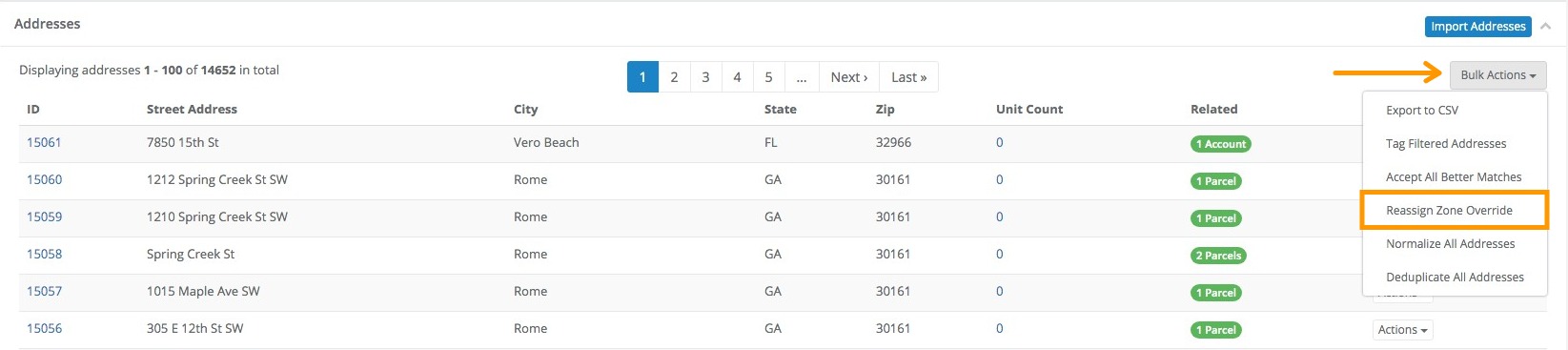
- In the upper-right corner of the subsection, click on “Bulk Actions”
- From the dropdown menu, click on “Reassign Zone Override”
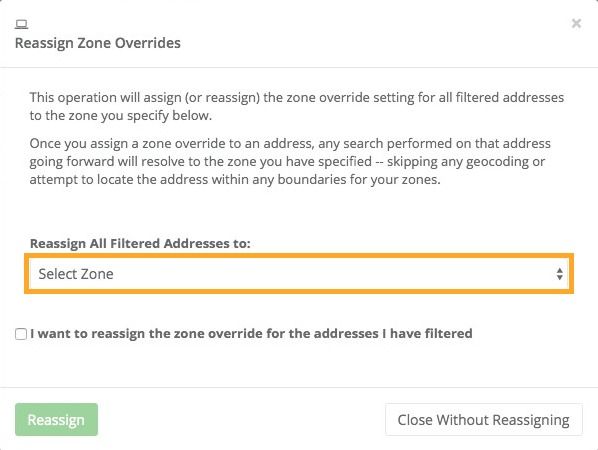
This will prompt a pop-up window that with a dropdown menu under “Reassign All Filtered Addresses To:”
- Click on the dropdown menu and select the Zone destination of your filtered addresses.