How Do I Change My Favicon on my Site?
When you access most websites on the internet, you will notice a small icon in your browser’s tab - typically a company logo or content-relevant image. This small logo is called a favicon, and on new CrowdFiber sites it is set to CrowdFiber's company logo by default. Here's how to customize the favicon of your site:
- In the left-hand rail of your Admin Dashboard, click Settings > Campaign.
-
Scroll down to Campaign Theme, then click the Choose File button under Favicon.
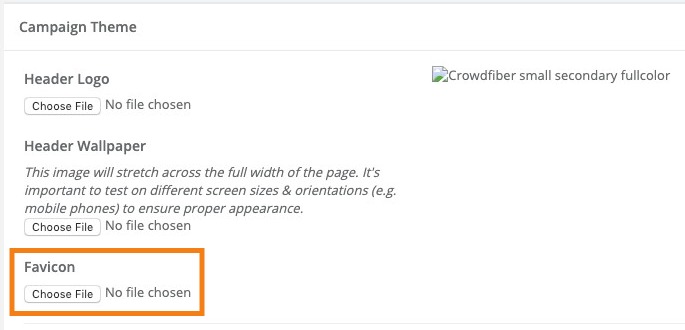
From here you will be able to upload the image you want to use as your favicon. Be sure to click the blue Save button at the bottom of the page to save these changes.
Tips:
A favicon needs to be a 16x16px or 32x32px file with the extension .ICO (for the best cross-browser compatibility). Most graphics editing software can edit and save an ICO file.
If you don't have a favicon, or if you want to create a new one using a part of your logo, there's a nifty tool at http://www.favicomatic.com/. Just upload your image (it's best to start with an image that is roughly square) and the tool will give you back both a 16x16 and 32x32px version in ICO format, which you can then upload on your CrowdFiber site.