FAQ Content
FAQ Content
- The FAQ page is a classic FAQ page on your CrowdFiber site that you can fill with custom questions and their commonly given answers to educate your visitors and inspire address searches.
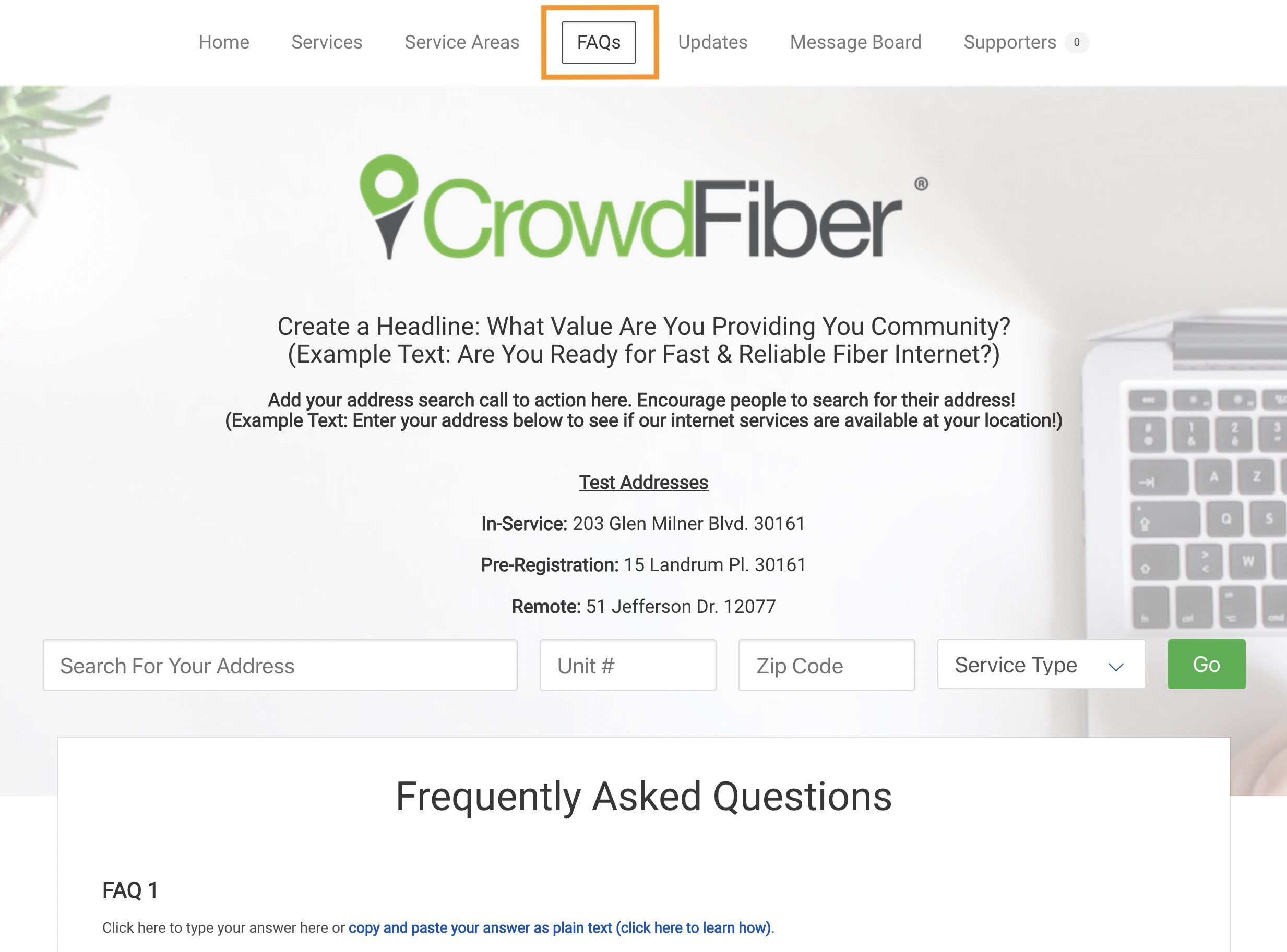
Location of FAQ Content
- The FAQ Page of your CrowdFiber site.
FAQ Content Targeting
- FAQ Page content is public content visible to anyone who visits your CrowdFiber FAQ Page.
Goals For FAQ Content
- Convert visitors into registrants by inspiring address searches.
- Use a question and answer format to:
- Educate the public and create value in your services.
- Provide insight into the provision and quality of your services.
- Provide answers to common objections.
- Clarify common misunderstandings.
- Save your team time and frustration by reducing the number of times they are asked the same basic questions.
Best Practices
- To avoid formatting issues and errors when copying and pasting text from other software, you must paste unformatted/plain text into CrowdFiber textboxes.
- Click here to learn how to copy and paste text into CrowdFiber.
- Video Tutorial: An Intro to CrowdFiber Creativity
- Utilize questions and answers that:
- Build Value in your services.
- Overcome objection.
- Create peace of mind for your futures customer.
- Provide basic education.
- Reduce the amount of time your team spends answering questions.
- Keep your communication consistent.
- Write in your organization's tone of voice.
-
Use your brand vocabulary:
nouns, adjectives, verbs, and terminology displayed across your primary website and marketing materials.
How to Edit The Content
- Click the FAQ link located in the top navigation of your CrowdFiber site.
- Click the text boxes on the FAQ page to open a text editor to create and edit your text.
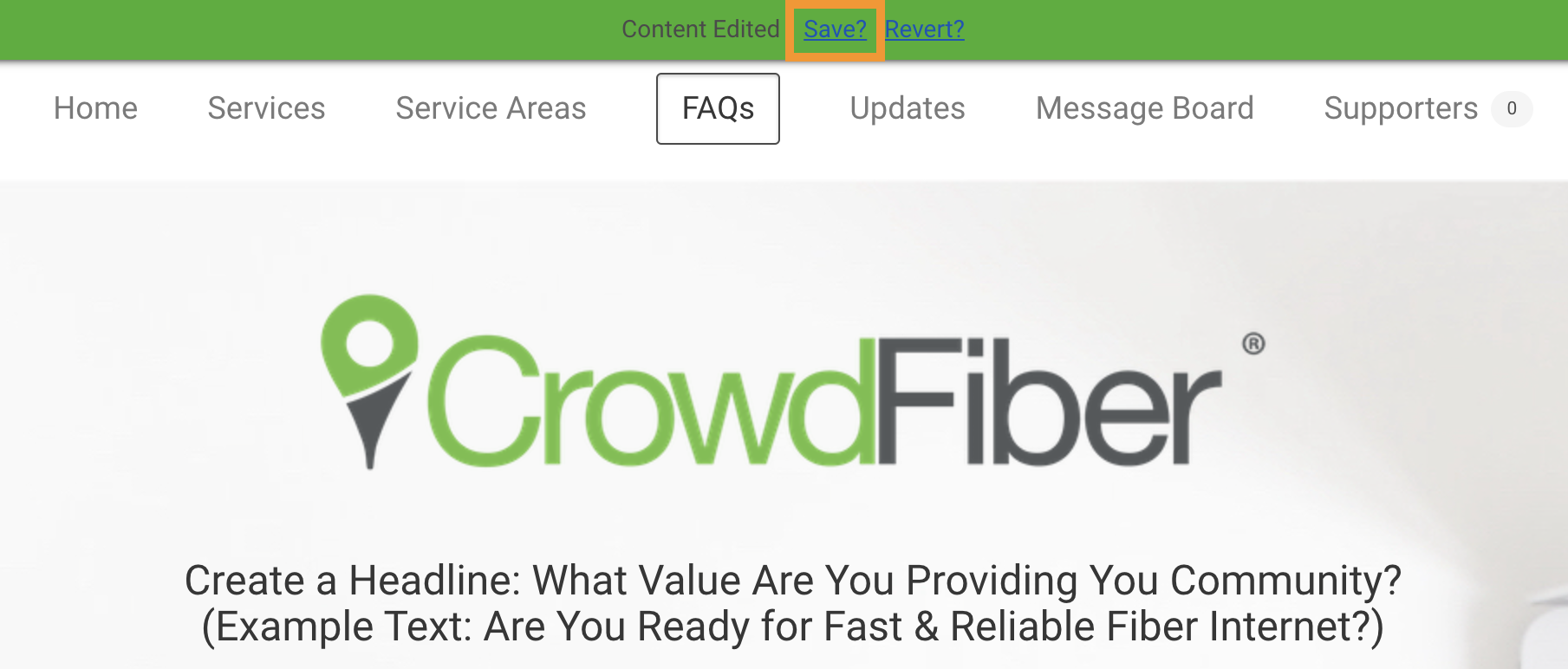
- Click the Save button located inside the green ribbon seen at the top of the page.