Home Page Content
Home Page Content
-
The Home Page is a classic home page on your CrowdFiber site that you can fill with custom content and imagery to educate your visitors and inspire address searches. Your Home Page page may be your first impression on a potential customer. Impress and inform your visitors. Connect with your core audience.
Location of Home Page Content
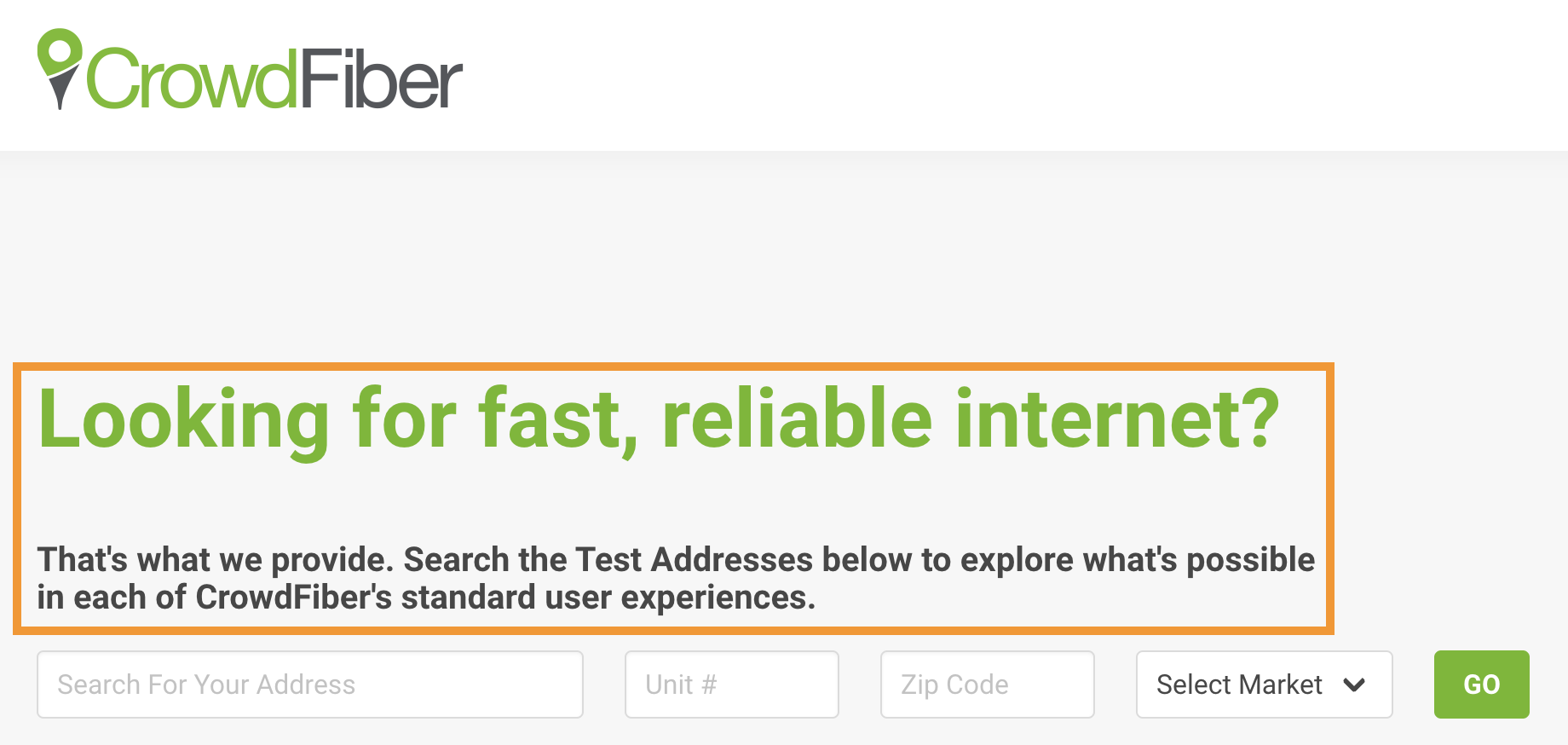
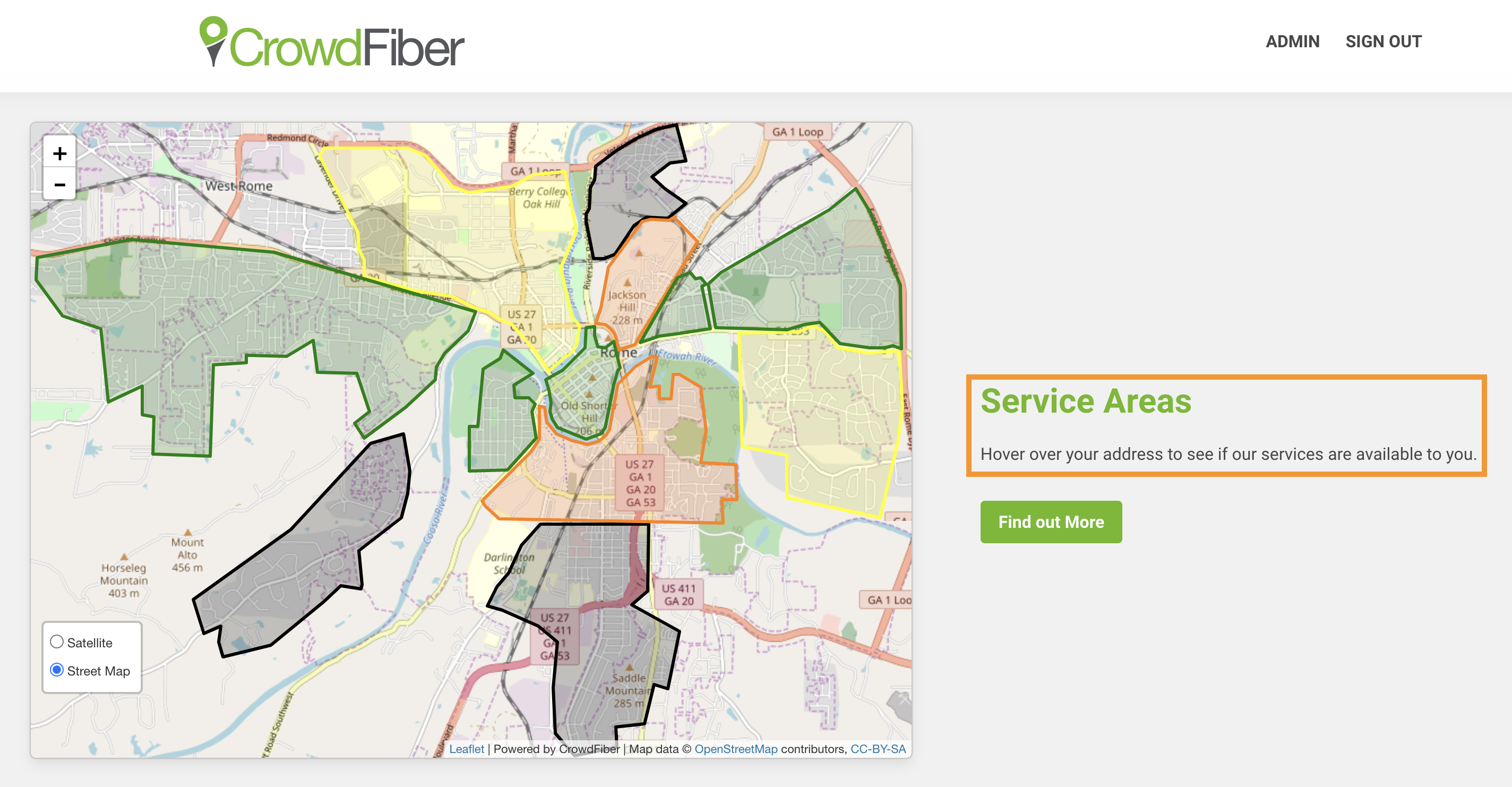
- The Home Page of your CrowdFiber site:
- Above the address search bar.
- On the right-hand side of the map.
Home Page Content Targeting
- Home Page content is public content visible to anyone who visits your CrowdFiber Home Page.
Goals For Home Page Content
- Convert visitors into registrants by inspiring address searches.
- Establish urgency in completing an address search.
- Create value in your services.
- Brand your organization.
Best Practices
To avoid formatting issues and errors when copying and pasting text from other software, you must paste unformatted/plain text into CrowdFiber textboxes.
- Reinforce your brand’s mission and communicate the benefits you provide to your community.
- Use words and images that resonate with your audience's needs.
- Answer the following questions:
- Who are you as an organization? What's your story? What’s your mission?
- What separates your organization from its competitors?
- Why should your visitors search for their address/what do they gain by registering their address.
- Keep your communication consistent.
- Write in your organization's tone of voice.
- Use your brand vocabulary: nouns, adjectives, verbs, and terminology displayed across your primary website and marketing materials.
How to Edit The Content
- Visit your CrowdFiber Homepage.
- Click the text boxes to open a text editor.
- Click the Save button located inside the green ribbon seen at the top of the page to save and apply your changes.
Home page with Images
- Click the images to drag and drop new images to add images to your site.
Image Specs
- All images should be less than or equal to a 100kb file size to optimize page load time on sub-par internet connections.
To delete this image, click the image to open the HTML text editor. Then place your cursor before the first character of text below the image, then click the delete or backspace key on your keyboard two times.
- Above the fold image:
- File type: JPEG or PNG
- Max width 750px
- Max height: unlimited
- Below the fold image
- File type: JPEG or PNG
- Max width 500px
- Max height: unlimited