Favicon Image
What Is a Favicon?
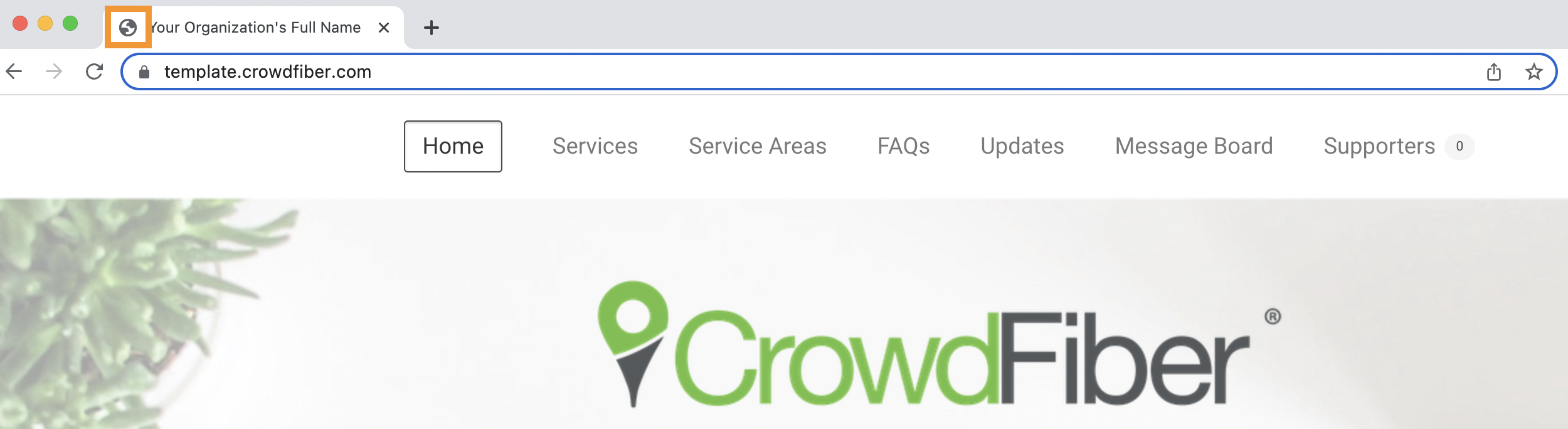
An image that displays on your CrowdFiber website and registration process browser tabs (as seen in the screenshot below).
Make CrowdFiber an extension of your brand: this image should be identical to the favicon displayed on your proprietary website.
Optimal format for appearance:
- File Types: PNG or JPEG.
- Aspect Ratio: Square, approximately 120px x120px, no padding.
- Transparent background, no borders.
How to Upload Your Favicon
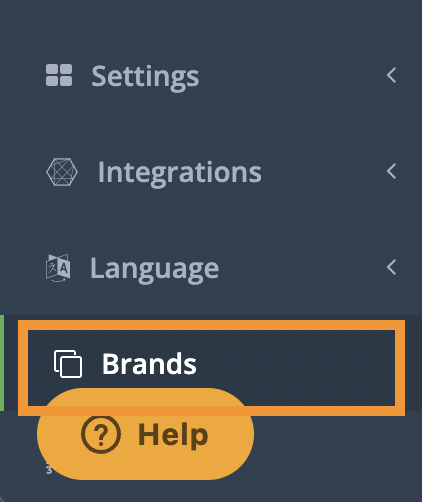
- In your CrowdFiber Admin Dashboard, at the bottom of the left-hand rail, click Brands.
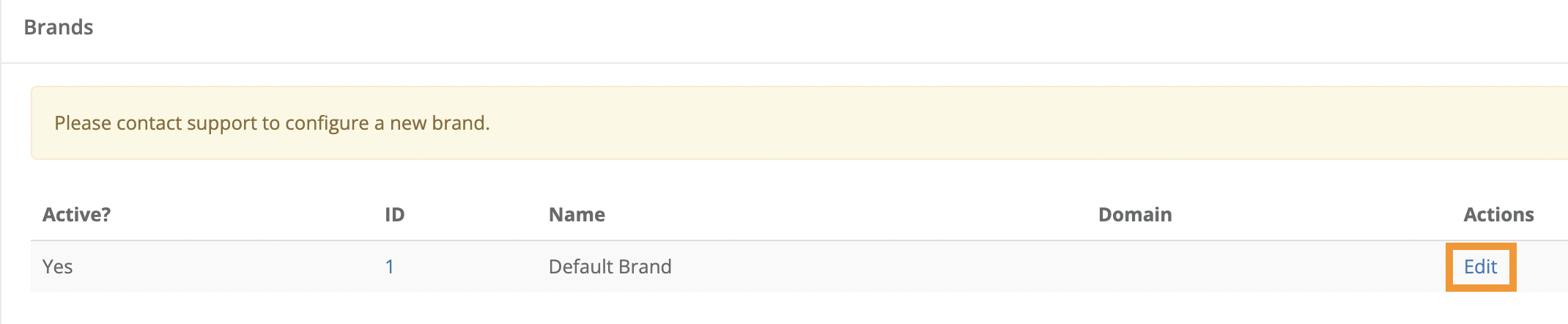
2. On the following Brands page, in the Actions column (the right-most column on the page), click the Edit link seen in the row containing the appropriate brand in the Name column.
3. On the following page, scroll down to the Default Brand theme Section.
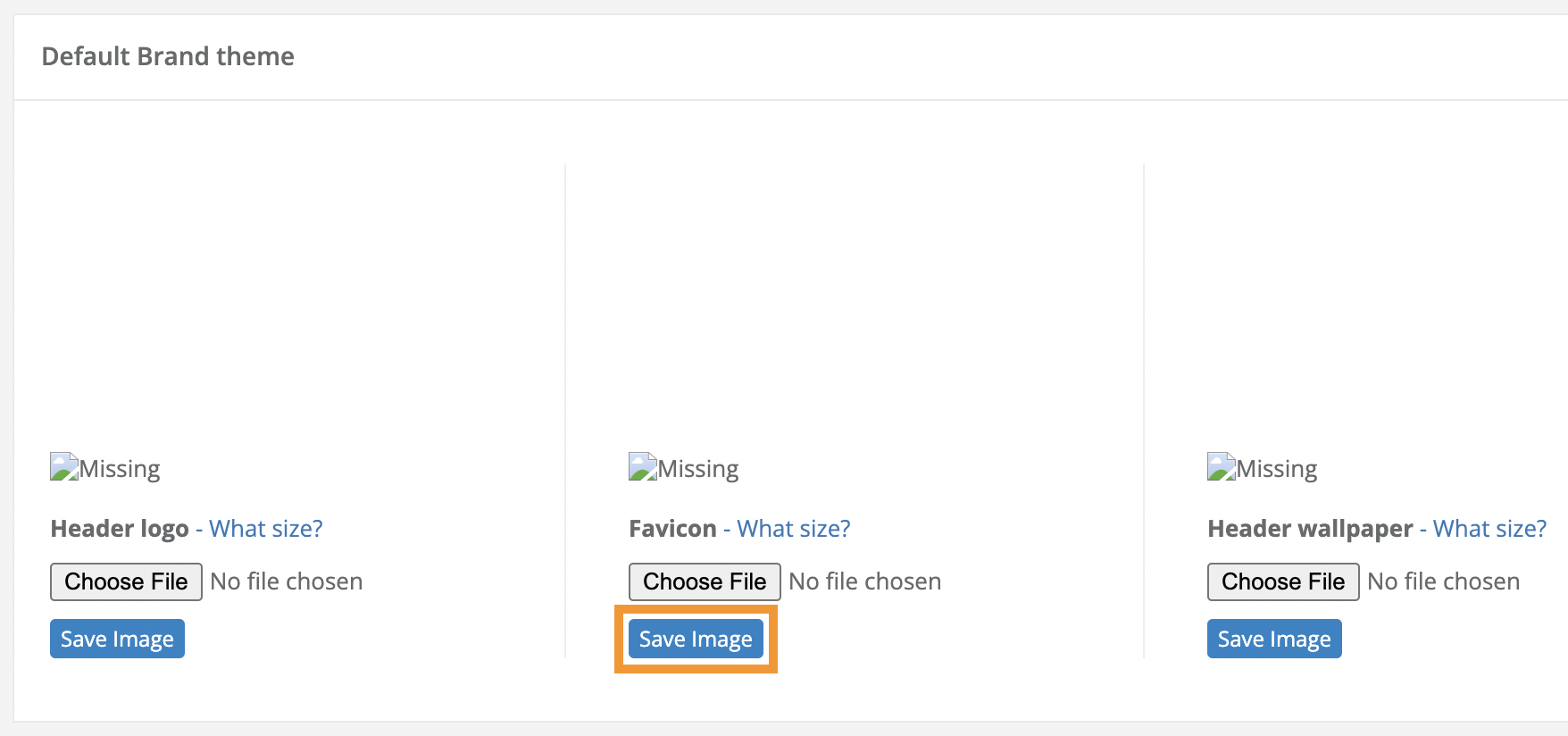
4. Click the Choose File button located under the text "Favicon."
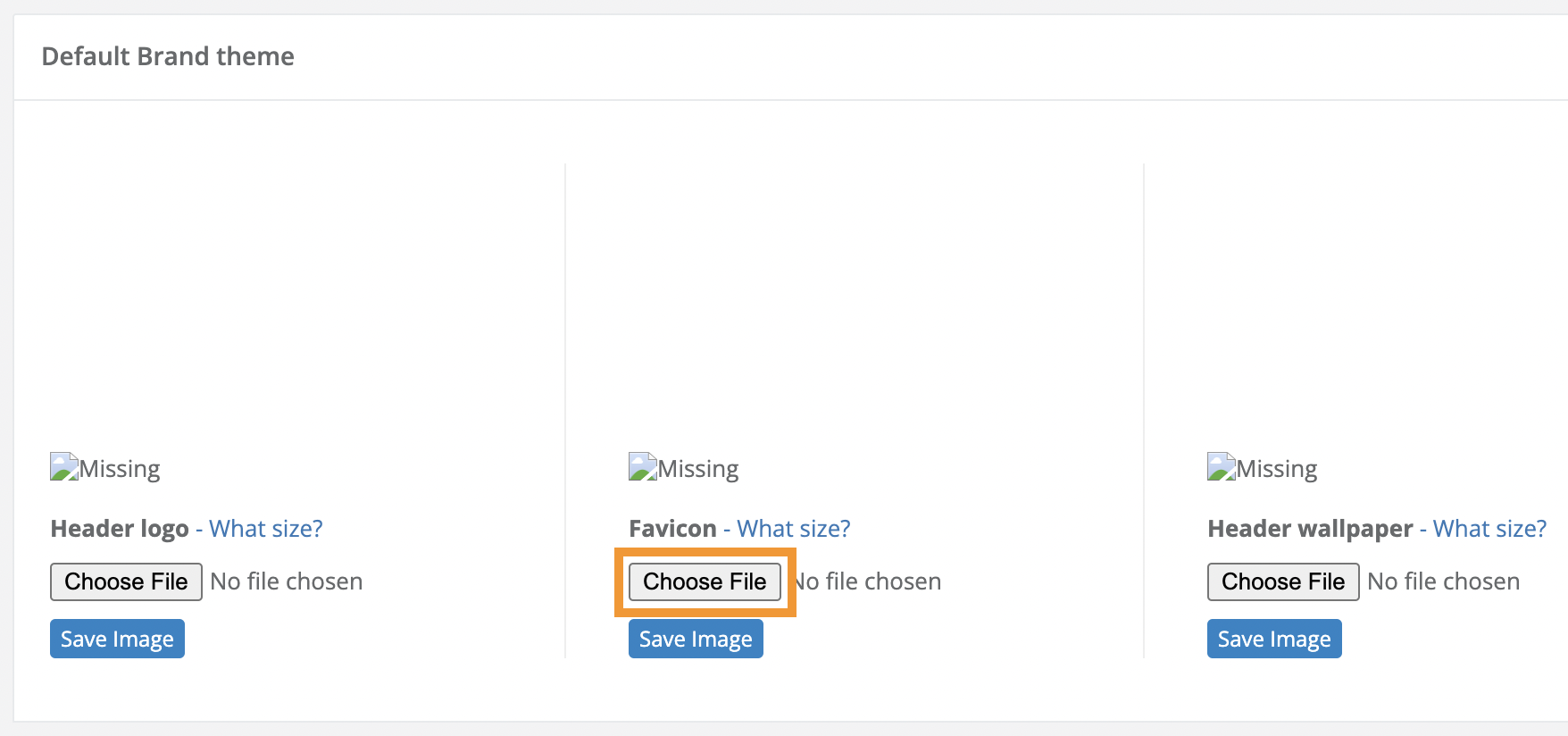
5. Upload your Favicon from your computer to your CrowdFiber site.
6. Click the blue Save Image button seen below the Choose File button to save and apply your Favicon.