Set Primary & Body Text Color (Theme V3)
What are Primary & Body Text Colors?
- The Primary Color determines the color of all buttons and header text throughout your CrowdFiber user experience.
- The Body Color determines the color of all text that is not a header or a button in your CrowdFiber user experience.
How to Set The Primary & Body Text Colors
-
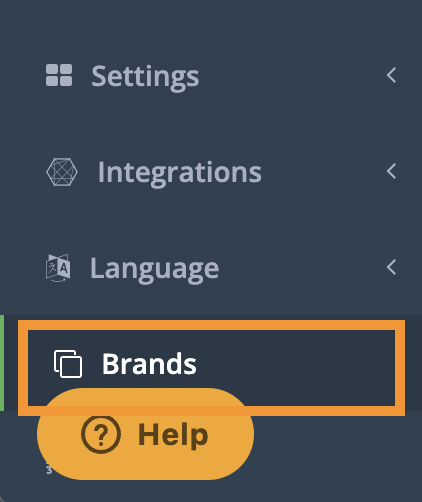
In your CrowdFiber Admin Dashboard, at the bottom of the left-hand rail, click Brands.
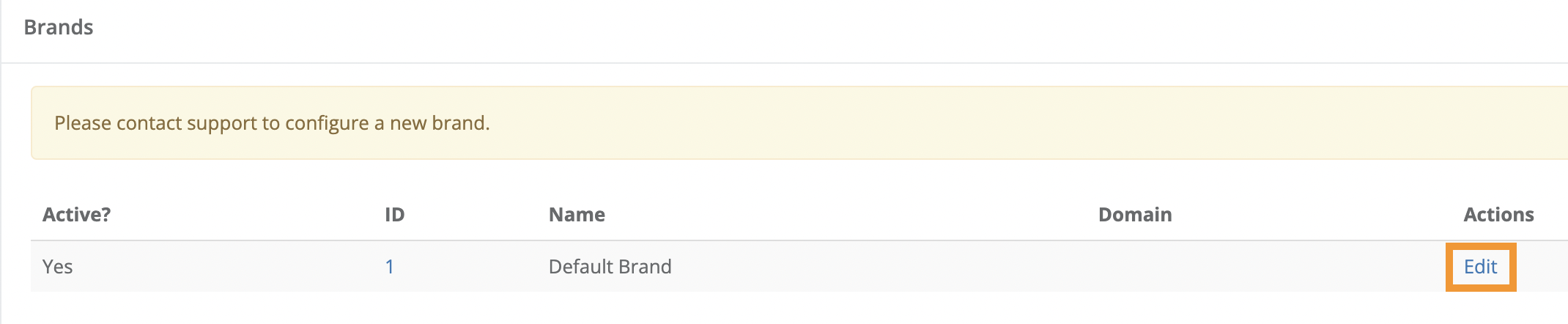
2. On the following Brands page, in the Actions column (the right-most column on the page), click the Edit link seen in the row containing the appropriate brand in the Name column.
3. On the following page, scroll down to the Default Brand theme Section.
4. In the Primary color field, text or paste the hexcode of your desired header font and button color.
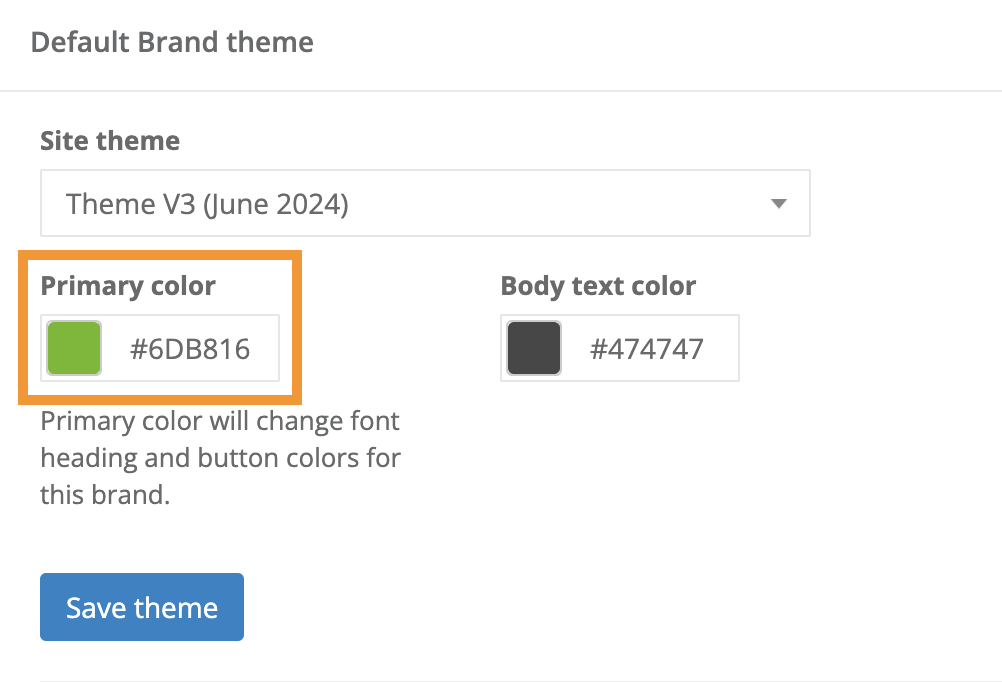
5. In the Body text color field, text or paste the hexcode of your desired body text color.
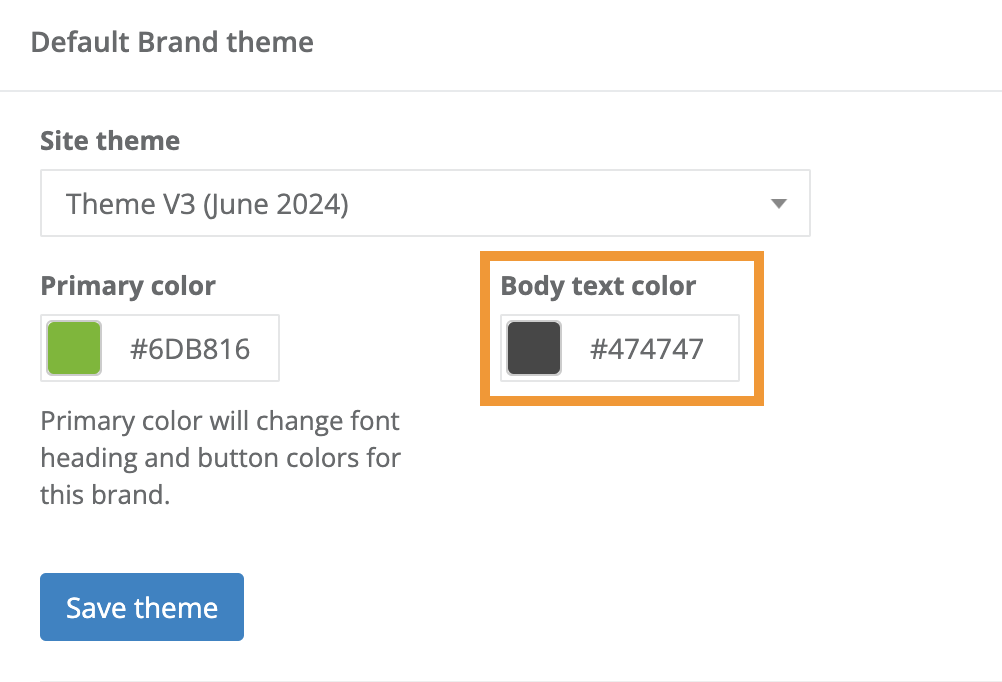
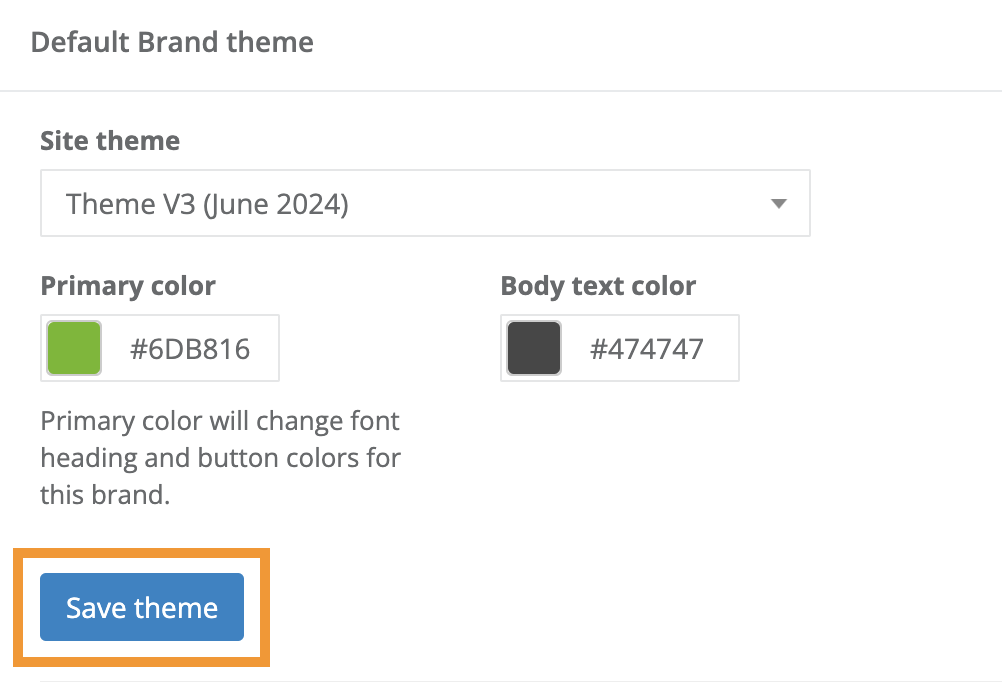
6. Click the blue Save theme button seen below the Primary Color field to save and apply your colors.