Upload Header Wallpaper
Wallpaper Image
The Wallpaper Image is displayed at the top of your Home Page; this image also exists as a graphic above each panel in your registration process. This image should capture a visitor’s attention but be simple enough to allow your logo and address search bar to display clearly on your Home Page.
The outer edges of your wallpaper image will not be visible; this is a responsive image that will change size and position based on the size of the screen or window displaying the image.
Optimal format for appearance:
- JPEG or PNG file format
- 1,200px x 500px
- File size not greater than 100kb file size (to optimize page load time)
How to Upload a Wallpaper Image
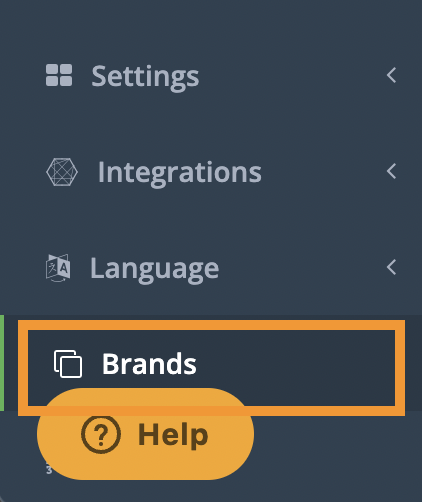
1. In your CrowdFiber Admin Dashboard, at the bottom of the left-hand rail, click Brands.
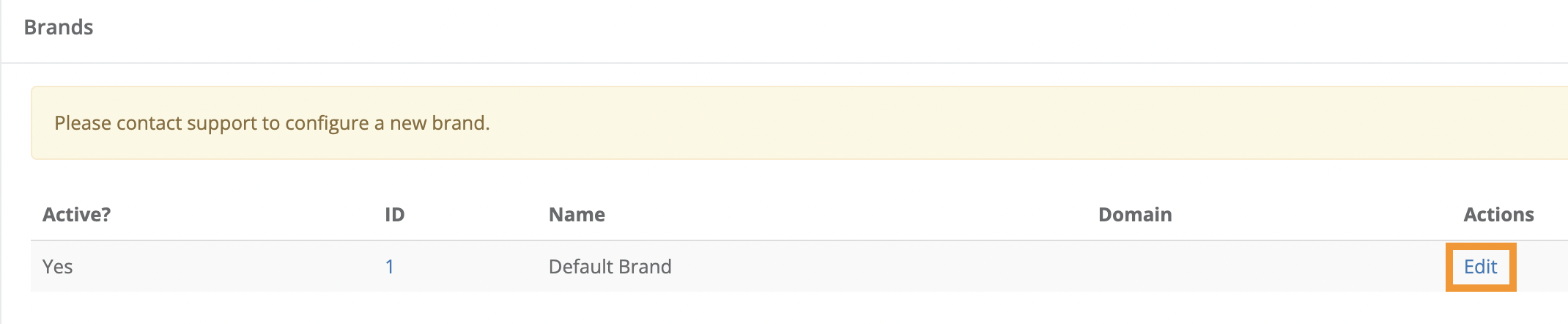
2. On the following Brands page, in the Actions column (the right-most column on the page), click the Edit link seen in the row containing the appropriate brand in the Name column.
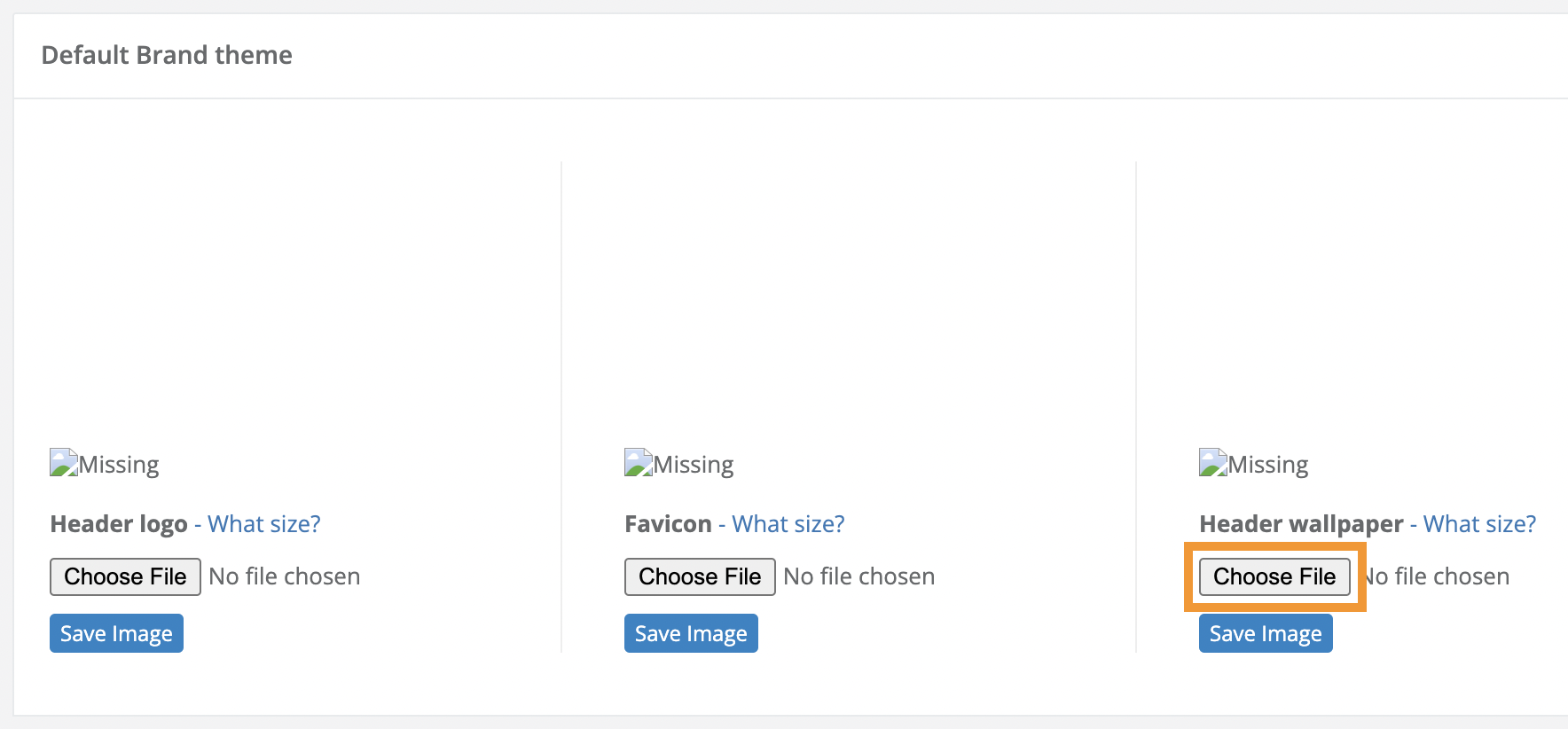
3. On the following page, scroll down to the Default Brand theme Section.
4. Click the Choose File button located under the text Header wallpaper.
5. Upload your Header wallpaper image from your computer to your CrowdFiber site.
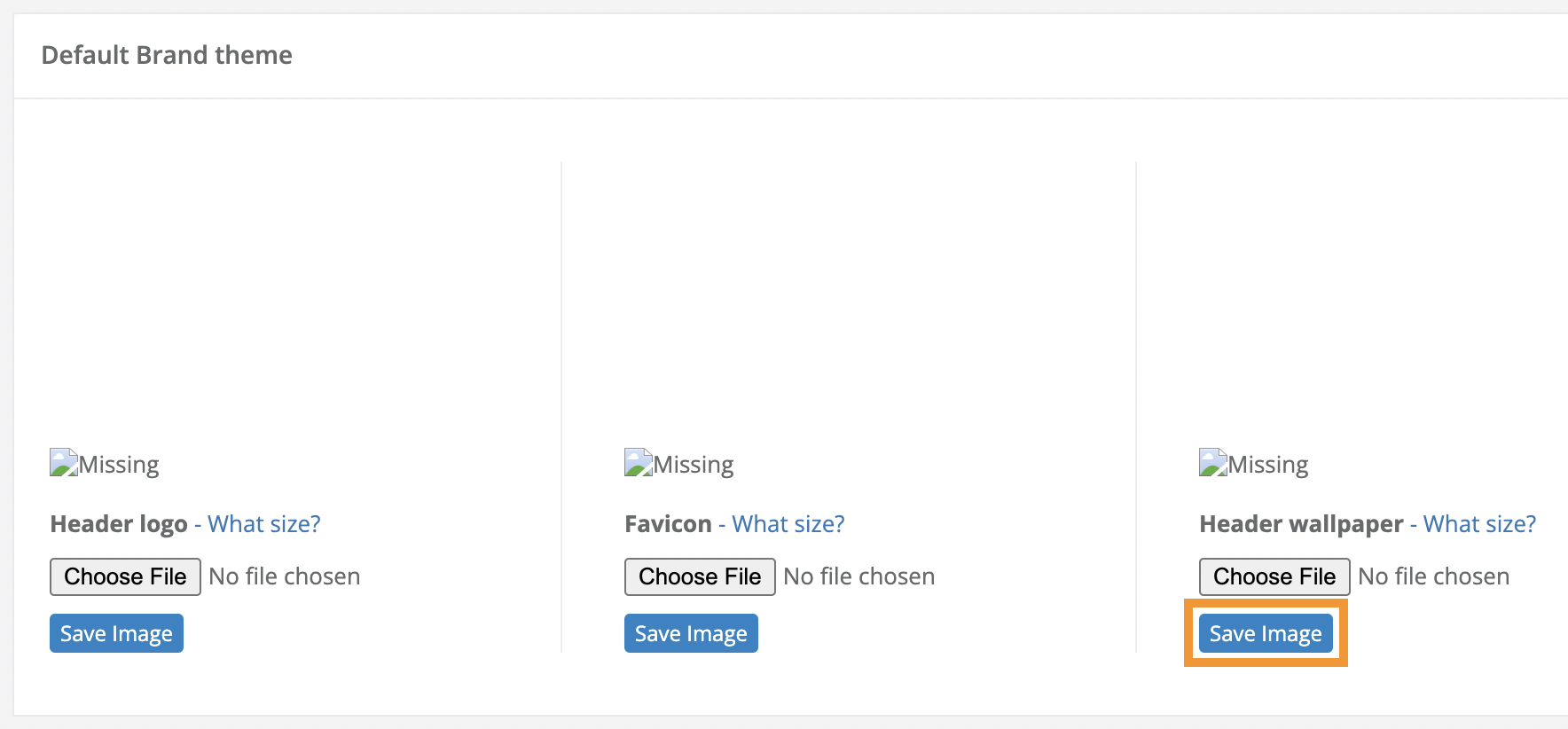
6. Click the blue Save Image button seen below the Choose File button to save and apply your Header wallpaper image.